Opening data
Data files are opened in own dialog which is opened from this icon  or with Ctrl/Cmd+O keybind.
Info
You can open multiple files to one workspace and compare laps between files
Currently there is three possible ways to open data, from local files, Manager and manual CSV import.
Tip
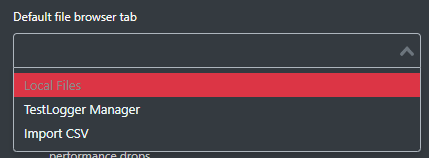
Desired default file browser tab can be set from settings.
Local files
Local files tab allows for opening data from local machine. File listing shows all file types supported by Analyzer and metadata information about the run.
Tip
Click run to open its metadata information.
Info
Runs are grouped by session date and sorted in descending order.
image-2024-9-13_21-13-48.png
TestLogger Manager
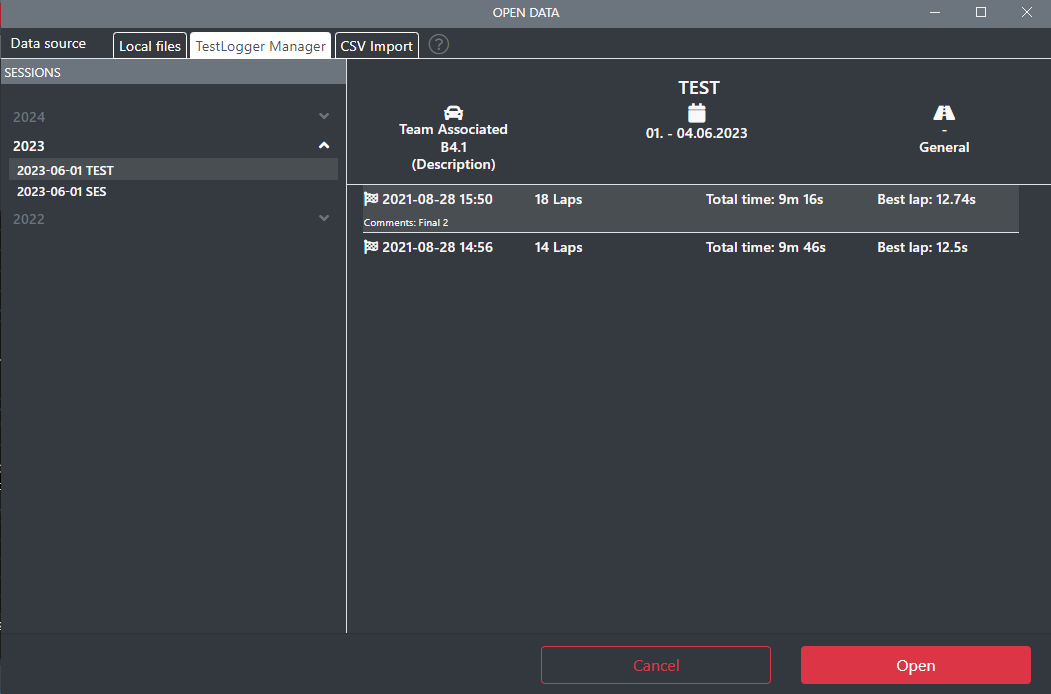
Manager tab allows opening runs straight from TestLogger Manager. Each Manager session can be viewed from the left sidebar sorted by date and session runs from each day are shown in the right panel.
CSV
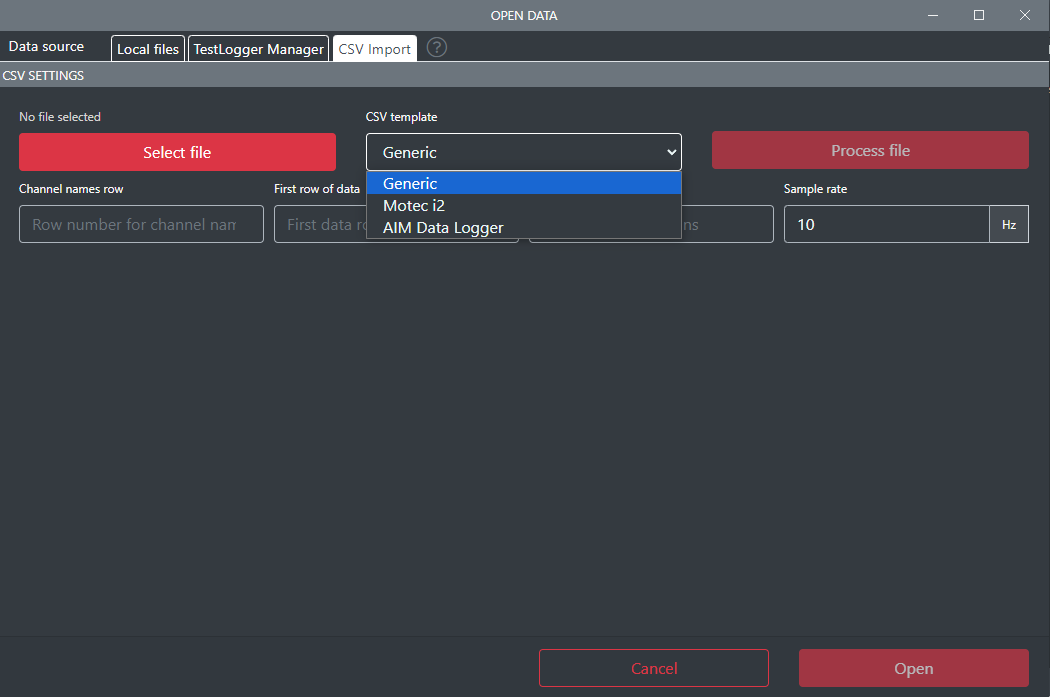
CSV tab allows for opening other types of data based on different data templates.
Info
File explorer is opened automatically when tab is selected for easier access.
Currently there is three supported CSV impot types: Generic, Motec i2 and AIM data logger.