Compare laps
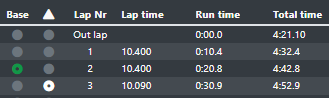
To compare laps begin with selecting the base lap and then a comparison. Comparison lap is shown on top of base lap on chart elements with white channel colour. Green radio button defines base lap and white defines comparison lap. To remove comparison, click the white radio button again.
Note
Prerequisites
Speed channel for distance calculation is defined
Compared laps first lap trigger is aligned to the same position as the base laps lap trigger. Compare laps lap/split markers are marked with dotted lines and base lap with solid lines.
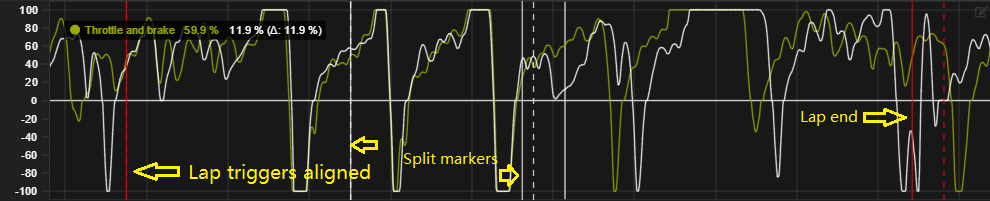
Figures shows lap comparison with time as x-axis. The base lap is faster than the compared lap after the first split marker. Note how the 2nd split and lap markers differ after the first split.
Tip
Lap comparison can be done both in time and distance mode.
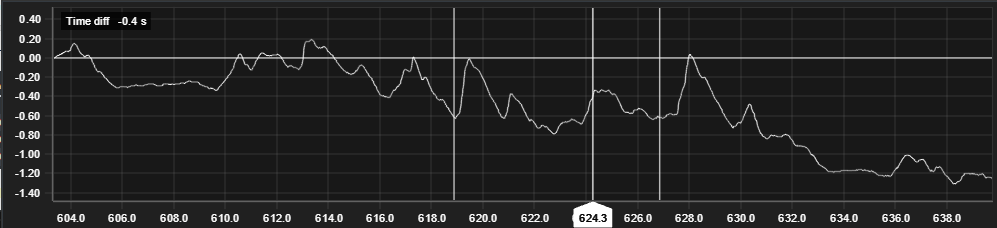
Time difference chart visualizes compared laps time difference to base lap as the lap progresses.
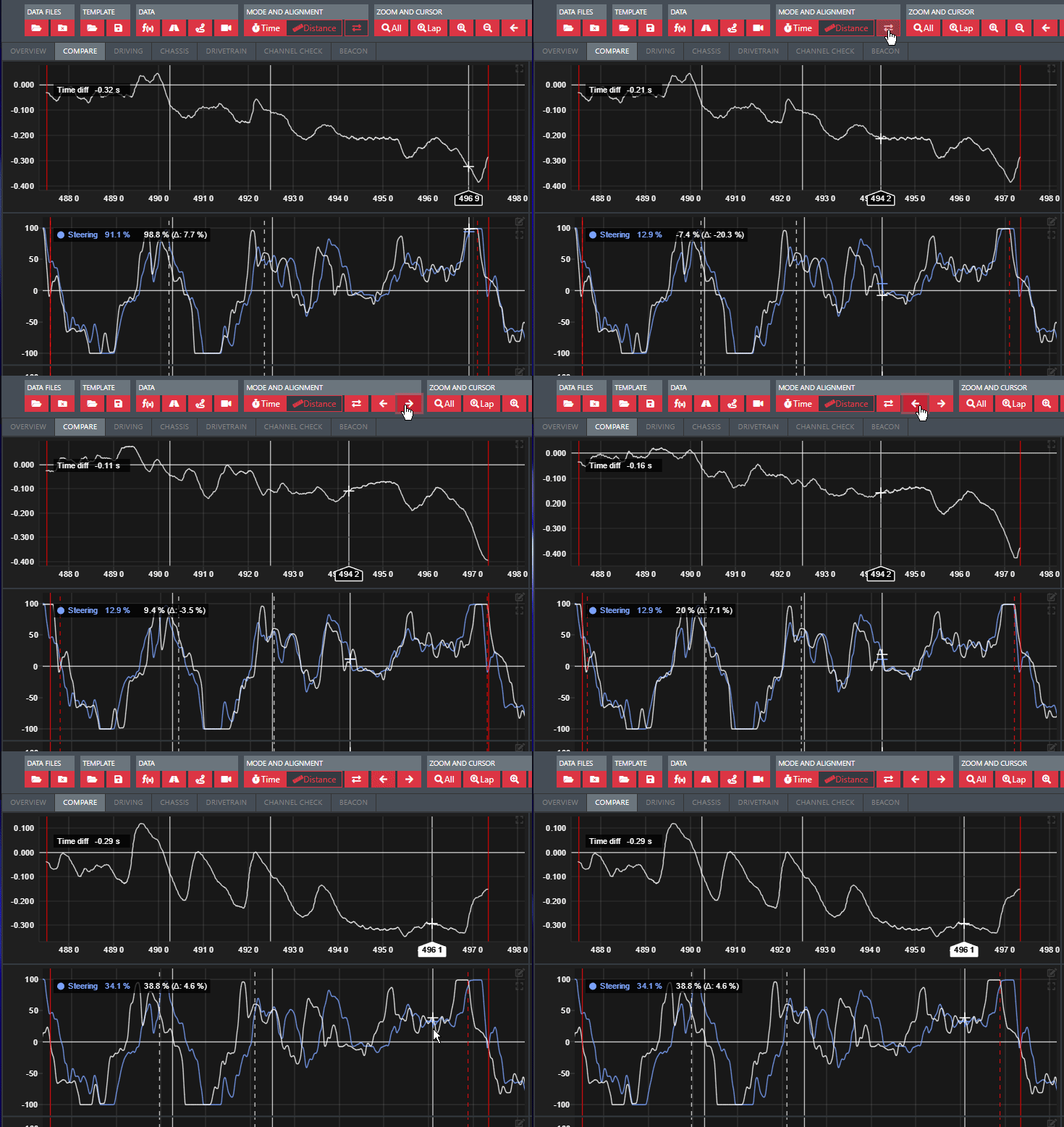
How to offset comparison lap related to base lap
Compare lap can be shifted against the base lap by using the buttons found in the header. Reset offset by reselcting the compare lap.
Warning
Offset is only single use and will be resetted every time compare lap is selected.